Pixel Nature Generator
A downloadable project for Windows
Pixel Nature Generator
A lightweight Windows desktop tool for converting ordinary images and AI-generated images into pixel art assets for games.
Pixel Nature Generator is designed for indie game developers and pixel art creators. It helps users quickly process images into game-ready assets without having to manually repeat the same image-processing steps over and over again.
Features
- Automatic background removal for image objects
- Pixel art style conversion
- Multiple preset output resolutions
- Custom output sizes
- Object and environment tile processing
- Image enhancement and detail improvement
- Mask-guided watermark / region inpainting
- Transparent PNG export
- Custom output directory
- Simple and lightweight Windows desktop interface
Processing Modes
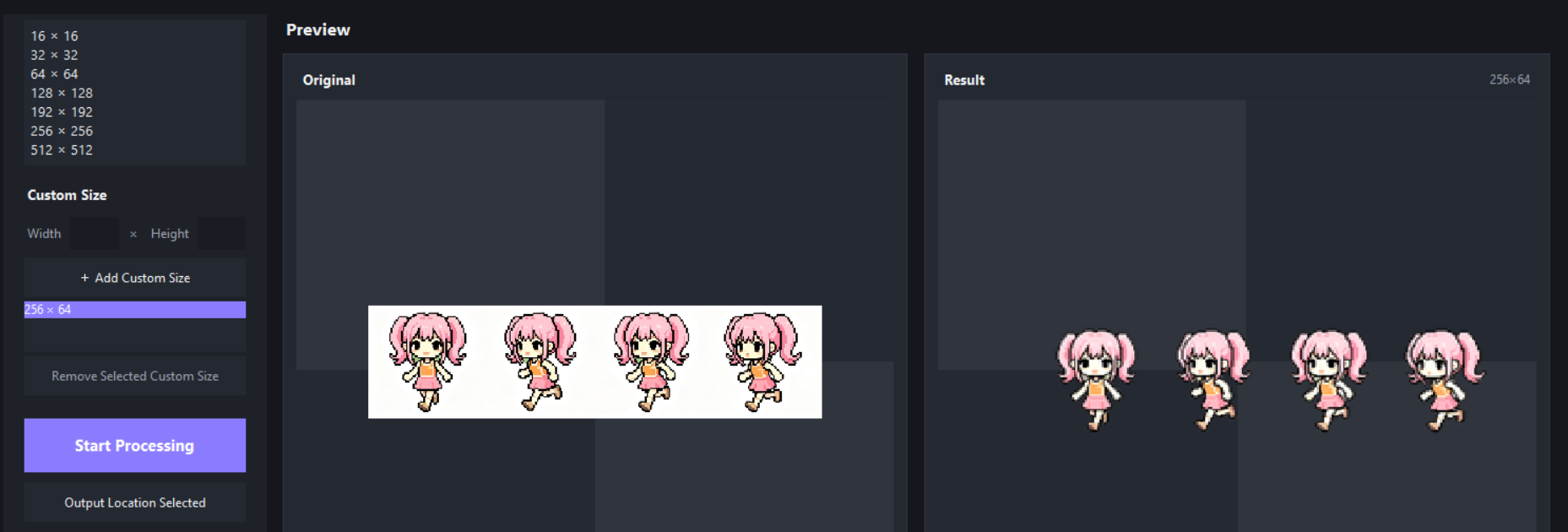
Object
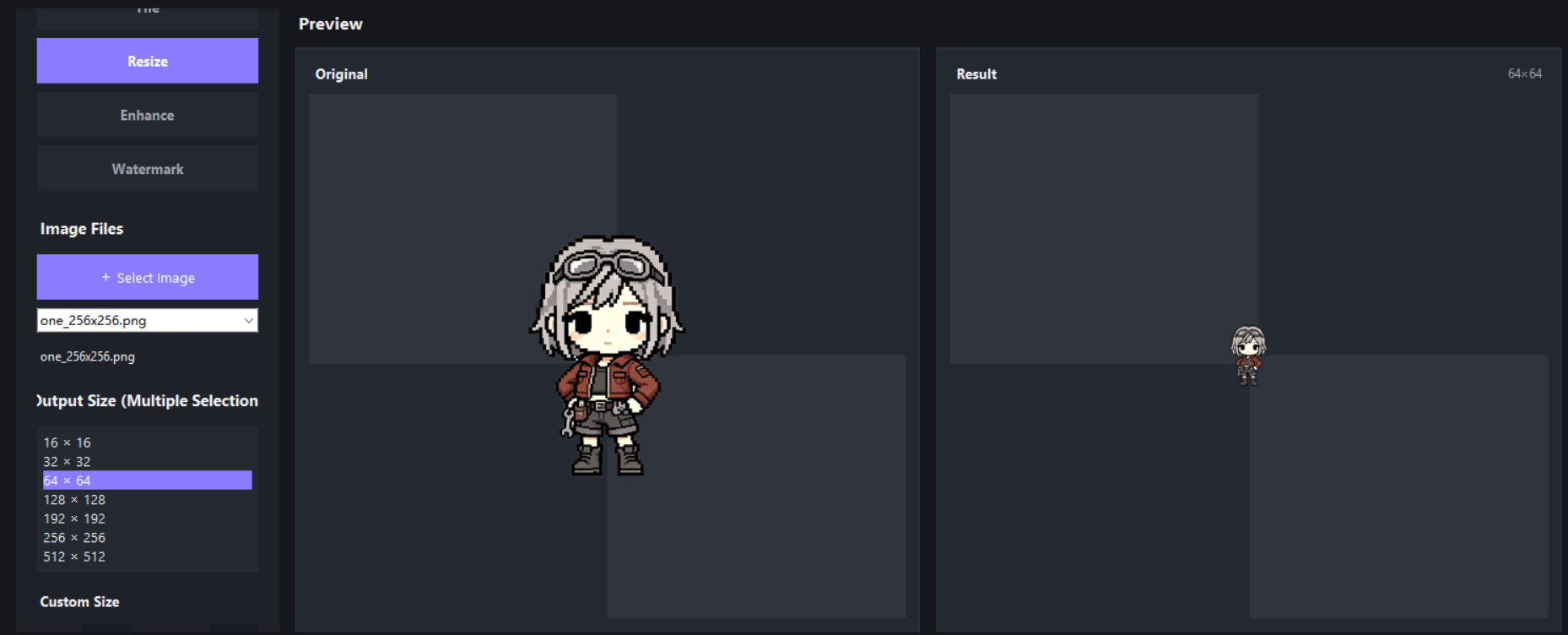
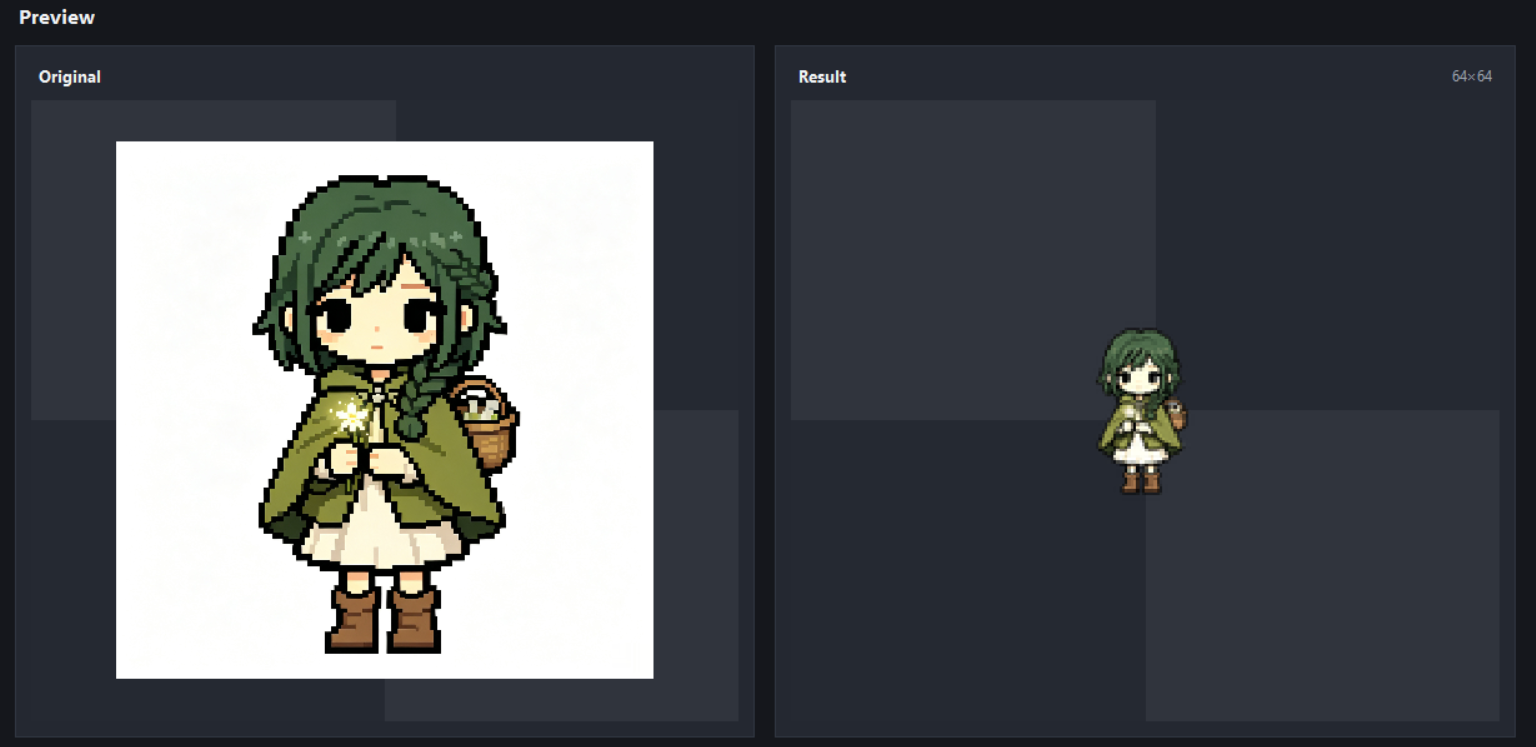
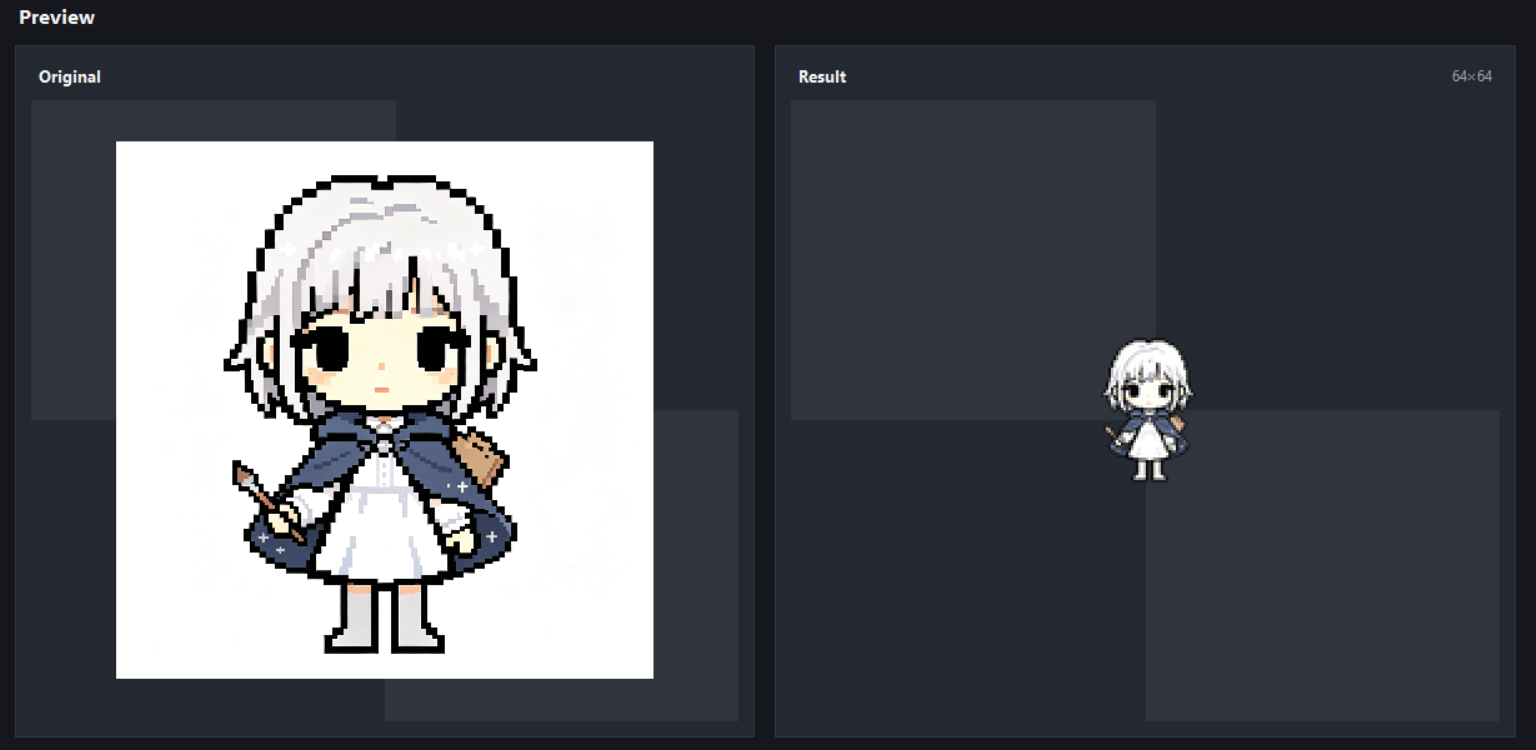
Convert ordinary images or AI-generated images into pixel art objects with transparent backgrounds.
The tool automatically detects and removes the background, processes the main subject, and exports it as a PNG asset.
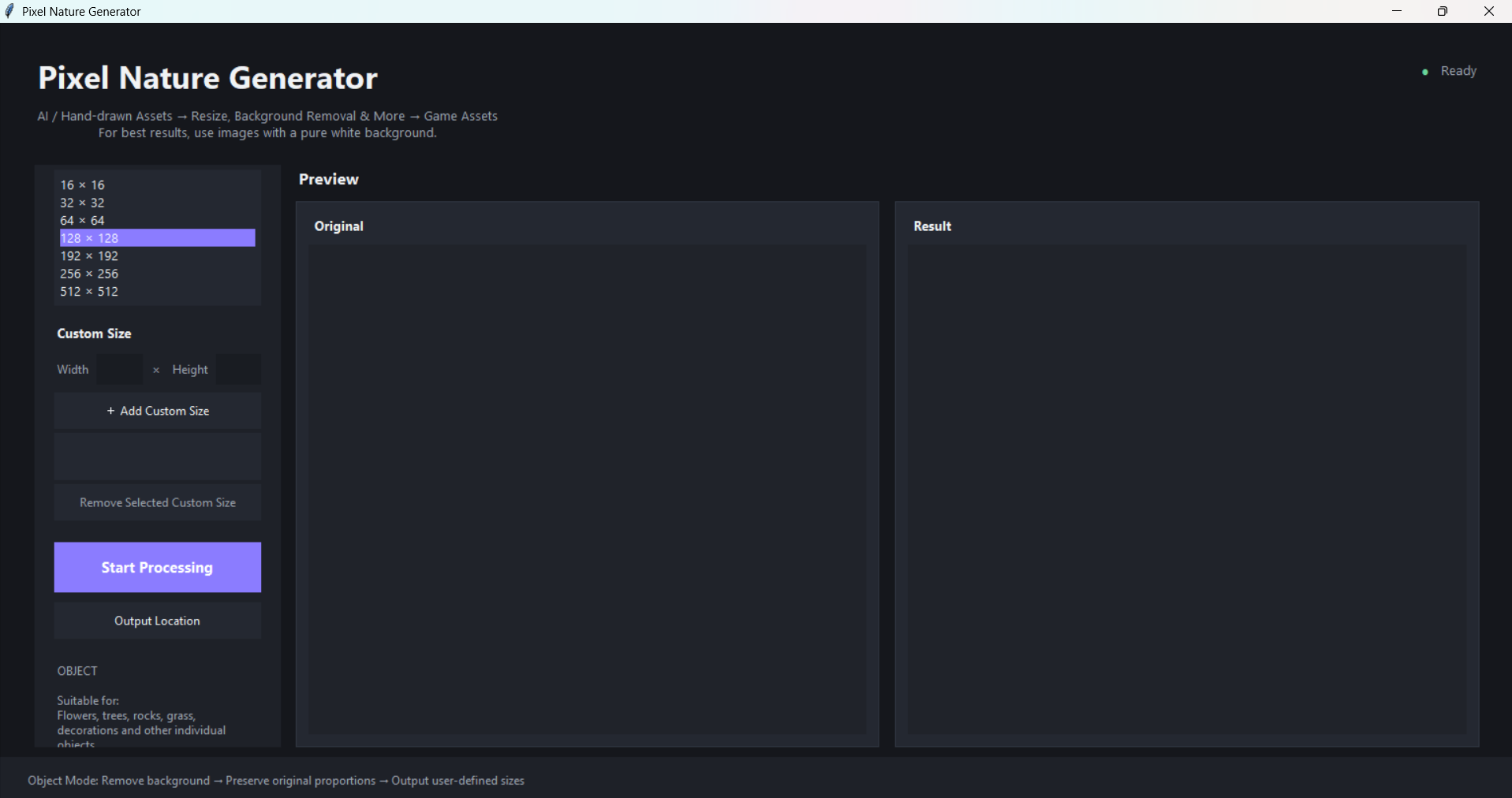
Preset output sizes include:
- 16 × 16
- 32 × 32
- 64 × 64
- 128 × 128
Custom output sizes are also supported when the preset sizes do not meet your needs.
This mode is suitable for creating pixel art objects such as:
- Items
- Props
- Plants
- Decorations
- Characters
- Animals
- Other game objects
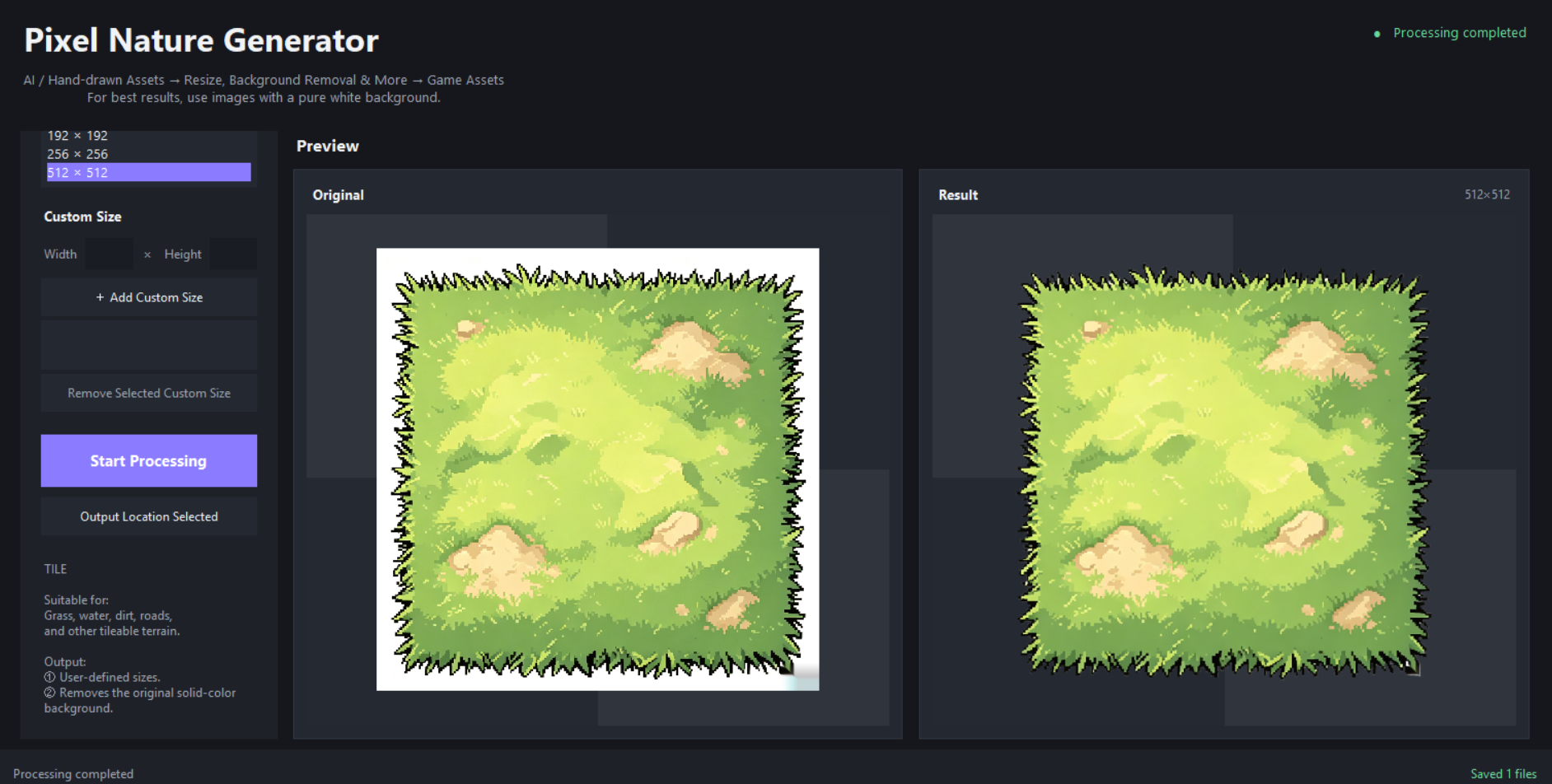
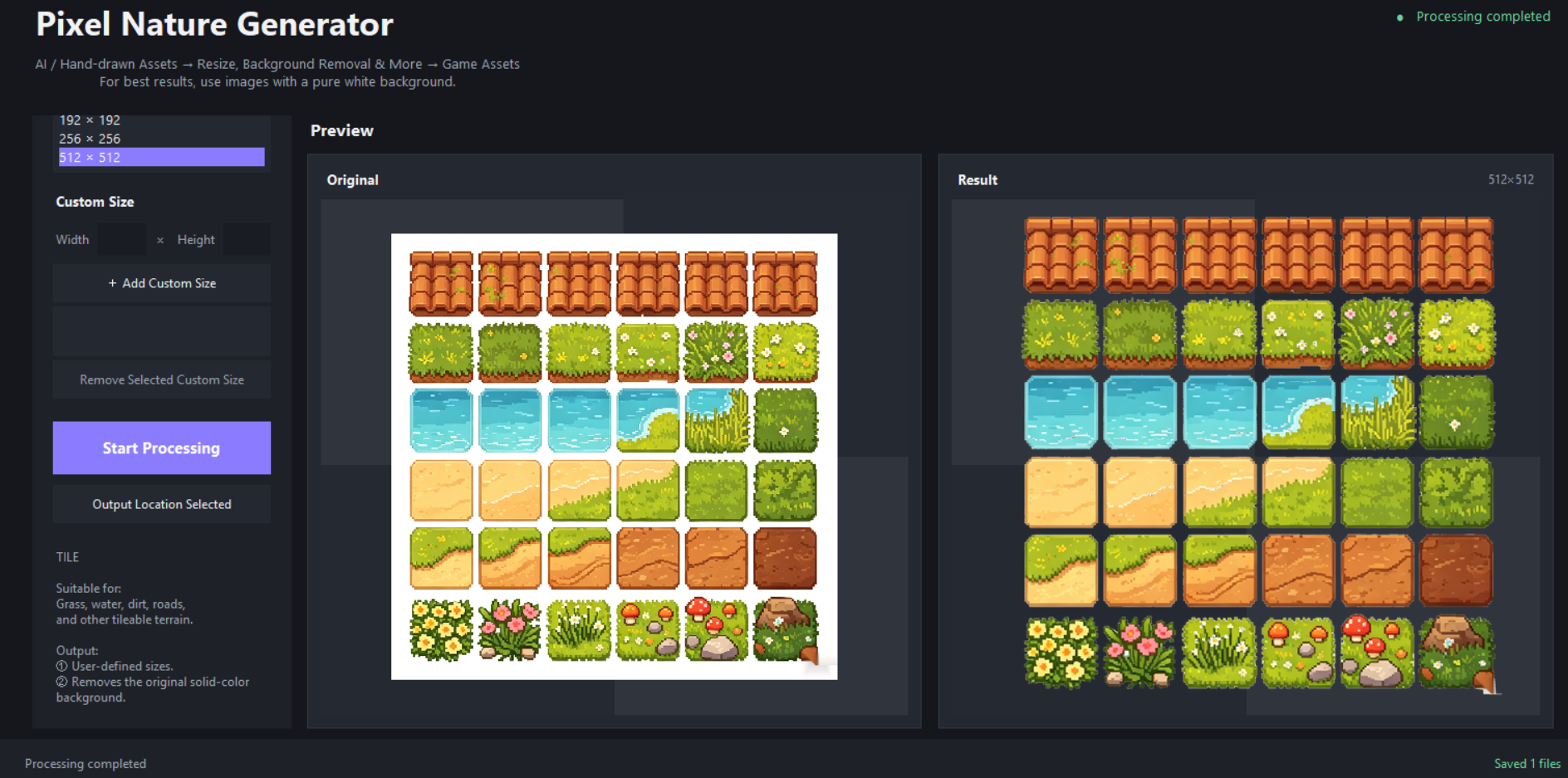
Tile
Process terrain and environment images into pixel art tile assets.
This mode is designed for game development workflows involving ground, water, terrain, and other environmental elements.
Default output size:
- 192 × 192
Enhance
Improve image quality and visual details while preserving the original image dimensions.
This feature is useful when an image becomes too blurry or loses important details during previous processing steps.
Watermark / Region Inpainting
Allows users to select a region of an image and attempt to reconstruct the selected area using image inpainting techniques.
The result depends on the surrounding image content.
Large or highly detailed selected regions may produce imperfect results. The software cannot magically recover information that does not exist in the original image. Even software has its limits, inconveniently.
Output
Processed images are exported as PNG files.
In Object mode, transparent backgrounds are preserved when applicable.
Users can select a custom output directory before processing.
System Requirements
- Windows 10 or later
- 64-bit Windows
- The source-code version requires Python to be installed.
Usage
- Launch
PixelNatureGenerator.exe. - Select a processing mode.
- Load an input image.
- Select the desired output size, or enter a custom size when supported.
- Adjust the available processing options.
- Select an output directory.
- Start processing.
- Find the generated PNG files in the selected output folder.
Intended Use
Pixel Nature Generator is designed to provide convenient image-processing tools for game development and pixel art workflows.
It does not generate complete game assets from scratch. Instead, it helps convert existing images into formats and styles that are more suitable for use in games.
Image Copyright
Users are responsible for ensuring that they have the necessary rights or permissions to process any images used with this software.
This software does not grant users any additional rights to third-party images or other copyrighted materials.
Watermark / Region Inpainting Notice
The watermark and region inpainting features are intended only for images that you own or for which you have explicit permission to modify.
Do not use these features on third-party copyrighted materials without permission to remove copyright notices, creator attribution, or protective watermarks.
Users are solely responsible for how these features are used.
License
Pixel Nature Generator is an early-stage closed-source software project.
The software itself may not be redistributed, resold, rented, sublicensed, publicly uploaded, modified and redistributed, or otherwise redistributed without permission.
Generated images may be used in personal or commercial projects, provided that the original source materials were legally obtained and appropriately licensed.
Third-Party Software
Pixel Nature Generator integrates third-party software and open-source components.
Applicable third-party license texts and notices are included in the licenses directory of the software distribution.
Please refer to licenses/THIRD_PARTY_LICENSES.md for a list of third-party components and their respective licenses.
Disclaimer
This software is provided "as is" without warranties of any kind.
Processing results may vary depending on the input image, image resolution, background complexity, and selected processing options.
Download
Click download now to get access to the following files: